The njlegalize.me favorites feature lets you quickly save businesses, events, and venues so you can find them again later. Whether you're shortlisting dispensaries to check out, building a list of events for the month, or keeping track of a venue you love, favorites are a simple way to organize what matters to you on the platform.
You'll need a free account to use the favorites feature.
How to Save a Favorite Business
On any business listing page, look for the heart icon near the top of the page. Click it to save the business to your favorites. The icon will fill in to confirm it's been saved. Click it again at any time to remove it.
How to Save a Favorite Event
On any event detail page, look for the heart icon near the top of the page. Click it to save the event to your favorites. The icon will fill in to confirm it's been saved. Click it again at any time to remove it.
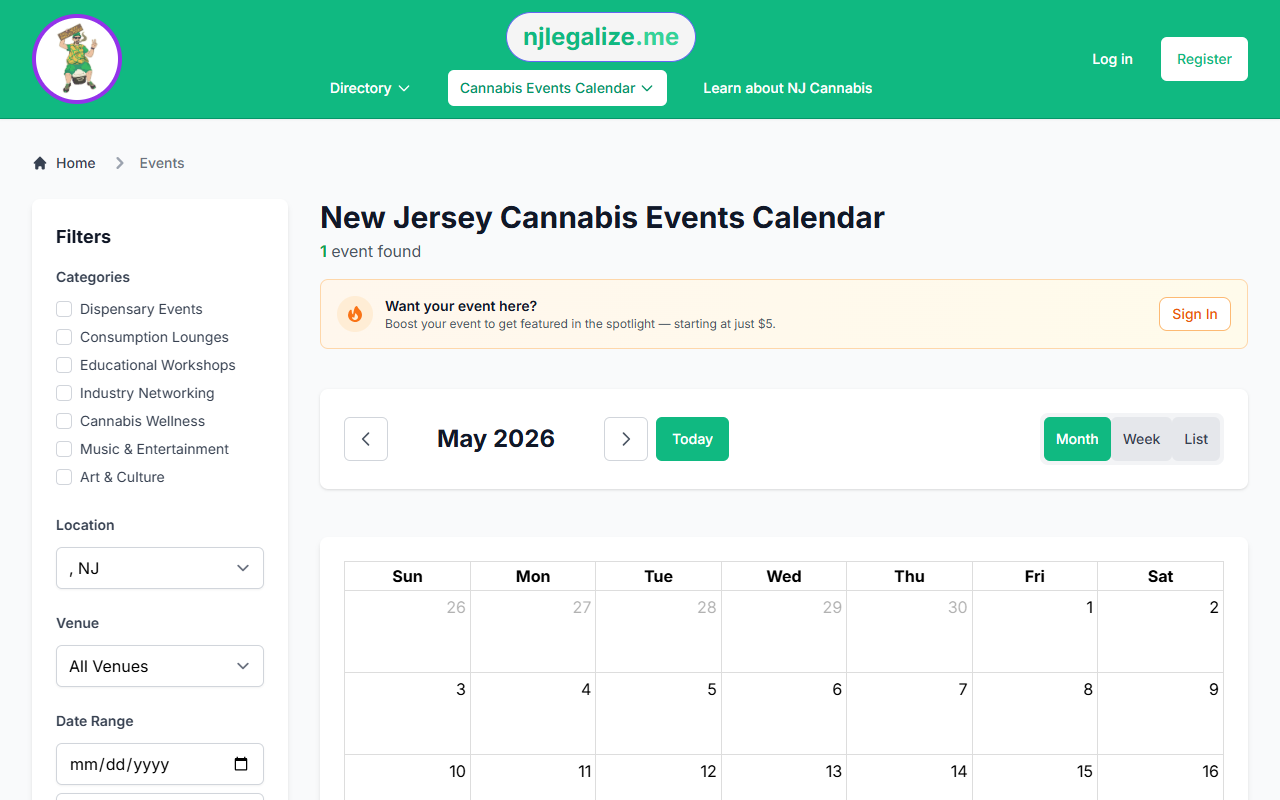
You can also favorite events directly from event cards in the calendar listing view — the heart icon appears on each card.
How to Save a Favorite Venue
Venues — the locations where cannabis events are hosted — can also be saved as favorites. Visit any venue detail page and click the heart icon to bookmark it. Saving a venue is a good way to keep track of places you enjoy so you can check back for new events hosted there.
Viewing Your Saved Favorites
All your saved favorites are accessible from your account dashboard. The dashboard organizes your favorites into three tabs:
- Favorite Businesses — all businesses you've saved, with links to their listing pages
- Favorite Events — all events you've saved, with links to the event detail pages
- Favorite Venues — all venues you've bookmarked, with links to venue pages and their upcoming event listings
Removing a Favorite
To remove something from your favorites, click the heart icon again on the business, event, or venue page — it will toggle back to unfilled, indicating it's been removed. You can also manage favorites from your dashboard.
Why Use Favorites?
Favorites are most useful when you're browsing the Directory or calendar and want to come back to specific businesses or events without having to search again. They're also handy when you discover a venue through one event and want to follow what else gets hosted there over time.
Don't have an account yet? Create one for free — it only takes a minute.